
My experiments in 2D/3D art using procedural tools and color theory.


procedural fish
effects I want to try
sketch and reference
print inspiration
After Effects breakdown from my Summer Loop project
final animation
skittish fish
When you realize hand animating ten of ANYTHING is very challenging, it makes you reach for procedural tools! These fish need to swim independent paths, move with naturalistic timing and spacing, and create a nice composition every frame.

-
Use vector paths as shapes
-
A stroke path is a vector line, but you can trim both ends of the line and taper one end to make a tear drop shape. I followed Matthias Lynge’s Stroke Animation tutorial; he really knows how to squeeze so much out of Ae’s vector tools!!!
-
The stroke line itself is not animated since it serves as a path. Instead, the trimming points are animated, expressed as a % of line. Yes, it would be easier to animate the location of the the tear drop over time, but with this method you have to key the % of the path. If your fish starts at the 15% mark, your loop will have to be 15% → 100% → 0% → 14.9%. Thankfully, fish movement is jerky and non-linear, so it’s easy to hide the seamless loop in the middle of the animation without needing to perfectly calculate where and when to place these keys.
-
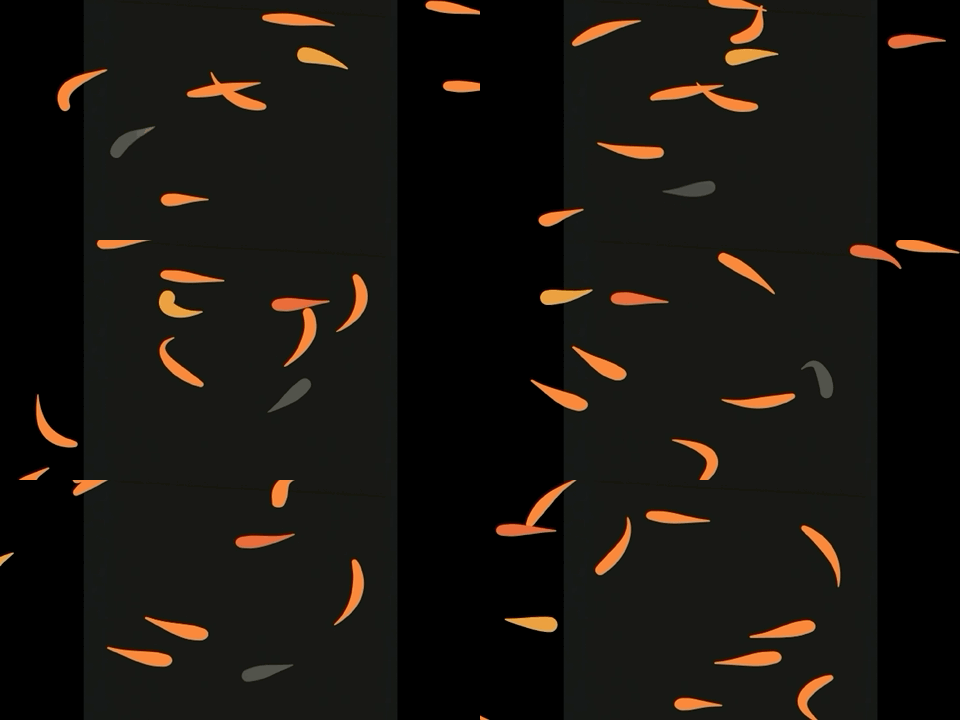
each fish is a section of a vector line

-
How to extrude 2D fish shapes?
-
Since we’re viewing the scene at an angle, I wanted the fish to have 3D form. I considered duplicating a smaller version of the fish that could merge with the original layer, but that was unwieldy. The best way to cheat 3D in Ae is usually Bevel by introducing fake lit edges, but the built-in effect didn’t extrude the form enough.
-
In the end, I chose to add roundness by adding Inner Shadow with a huge width, high distance, and high angle — recreating a spotlight sitting right over the fish. It makes them look really good when they swerve. Layer styles on small shapes is powerful and being able to tweak color, noise, and shape using several controls is a huge plus!
-
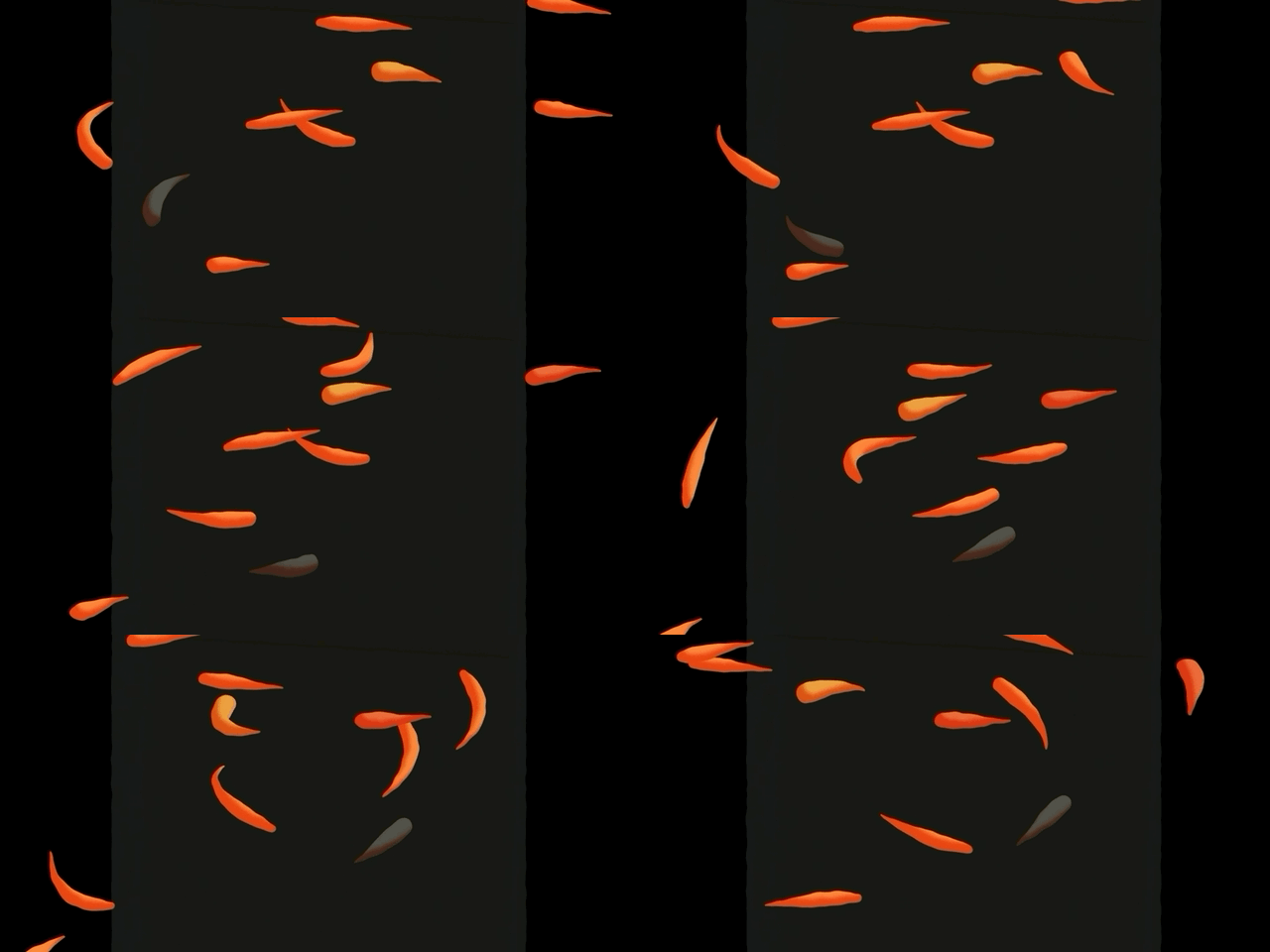
+ a subtle wobbly distortion filter
environment
-
Looping ripples
-
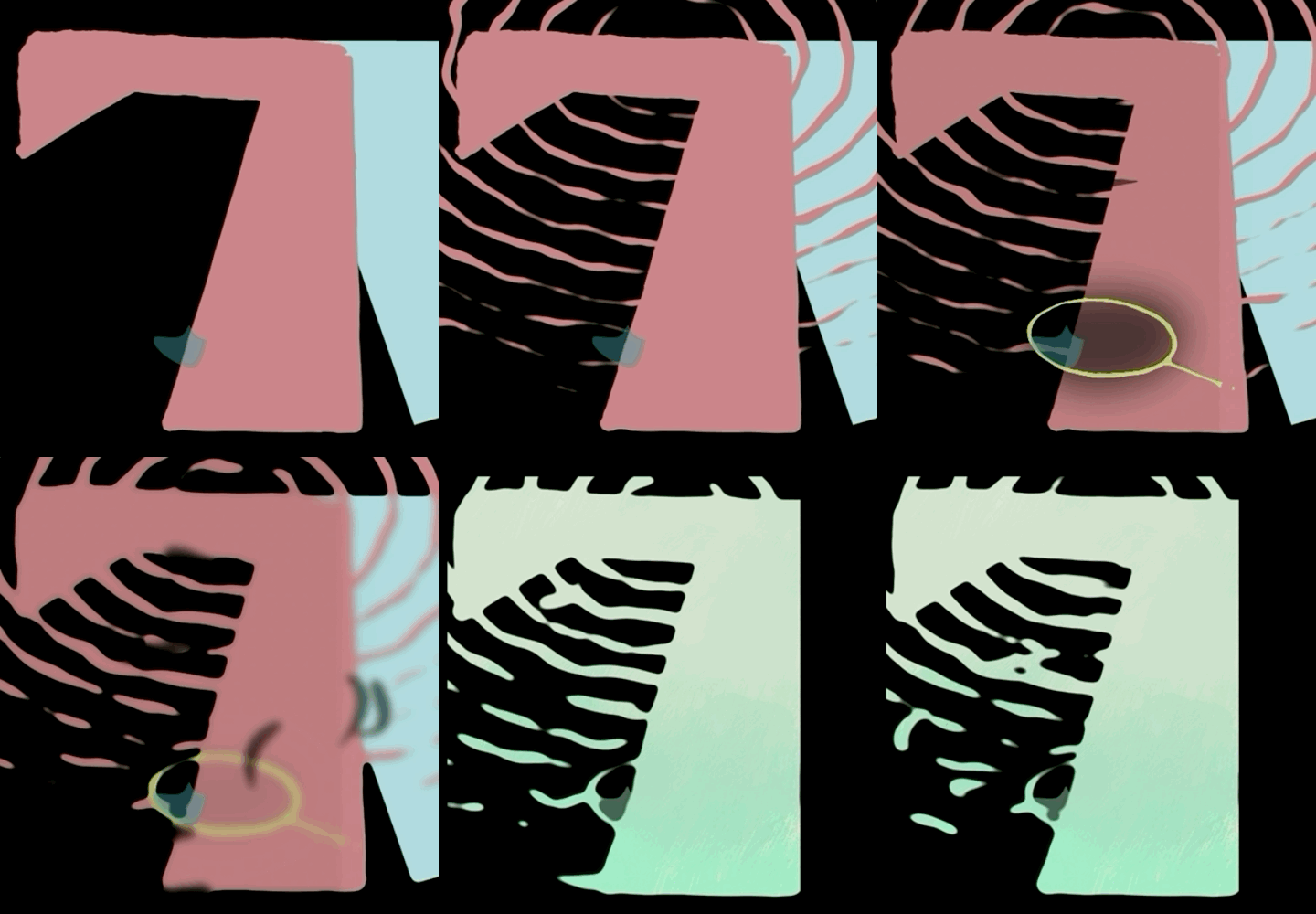
I used the built-in Ripple effect. The ripple generator starts at 0 and it would take forever to produce 10+ ripples. Ae doesn't give a control for offsetting time on this effect, so I just duplicated the ripple layer to get the number of rings I wanted.
-
The ripples are distorted with a Turbulent Displace effect aka a dynamic noise pattern. Looping noise is very convenient in Ae because the pattern repeats every 360 degrees.
-
-
Cast shadow
-
The shadow pass combines the ripple comp and fish comp, merged together and smoothed (using Blur + Threshold as a very blunt edge smoothing technique). In real light, both shadows would be distorted based on the shadow caster’s distance from the floor, with bottom feeders casting the darkest, sharpest, least distorted shadows. Thus, the pink ripple layer is slightly distorted using Corner Pin because it floats above the fish.
-
Everything here is parented to a global skew value so they sway back and forth on loop.
-
-
Bokeh background
-
A simple Lens Blur over animated noise.
-
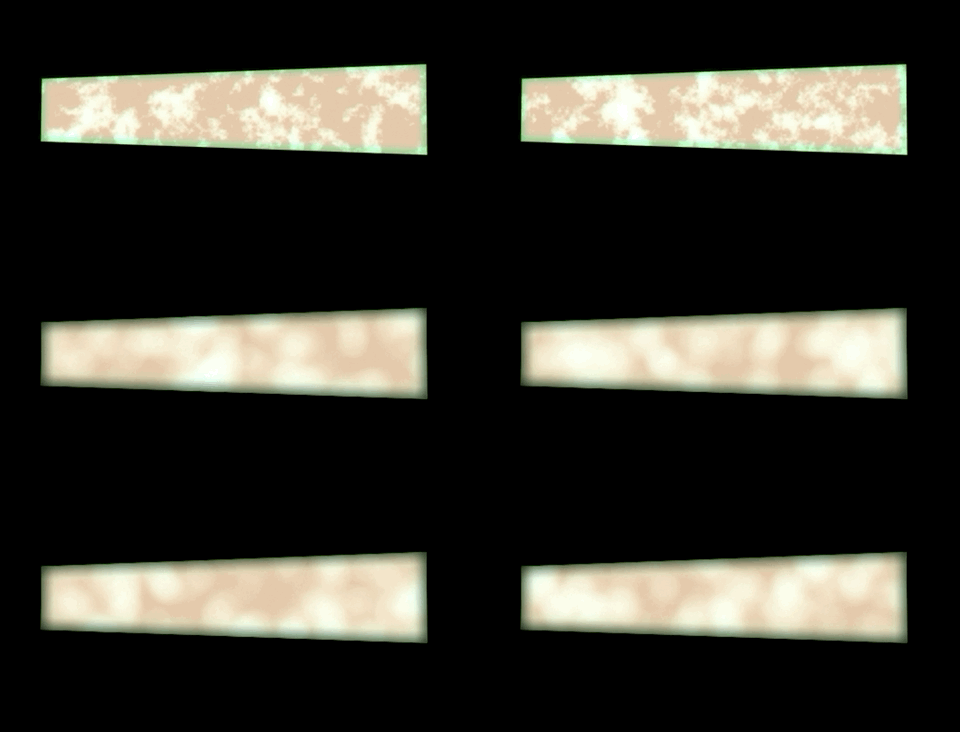
analog looks for 2D animation
Compositing in After Effects for our 3 PBS commercials
processing line art
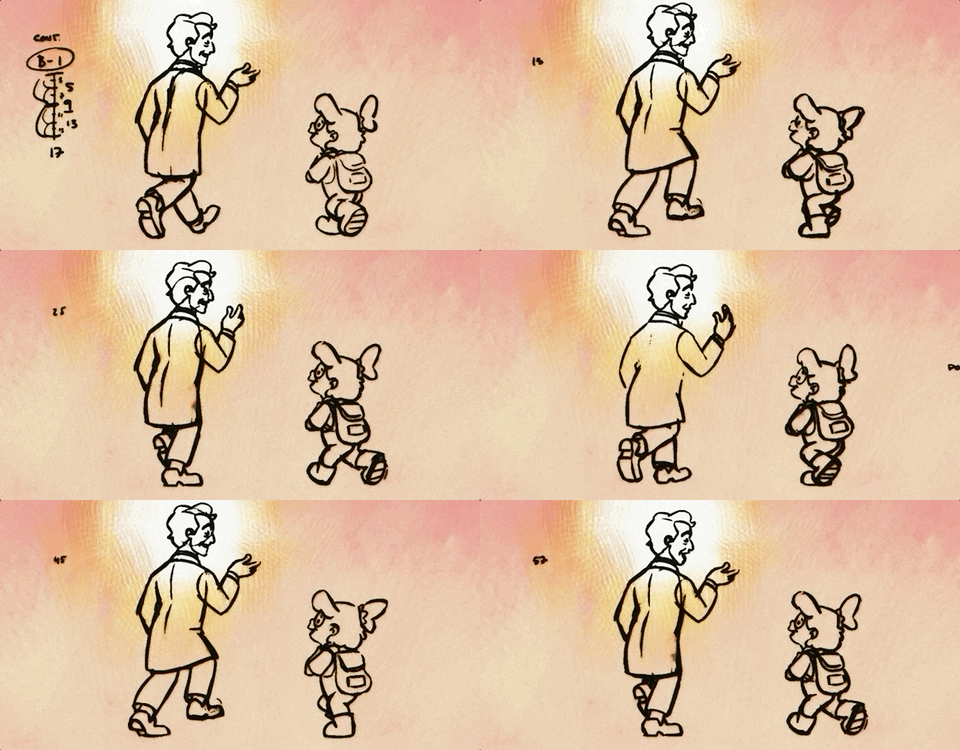
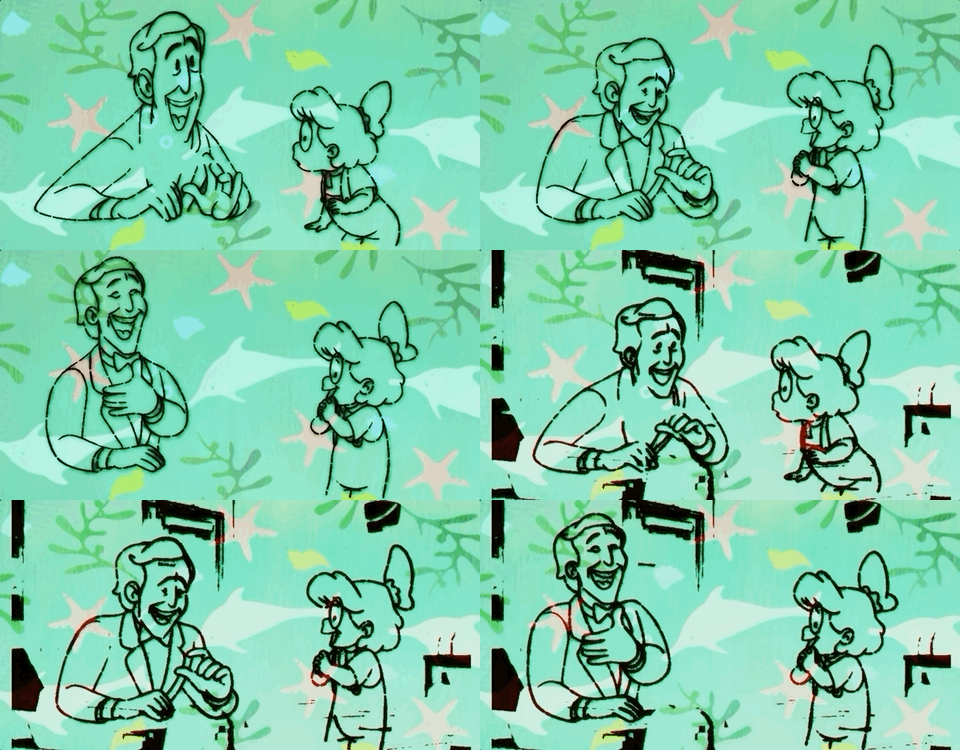
Here, I took Ella Louise Khan's pencil tests from our last project and tried out some inky effects.
-
Efficient pipeline
-
After finishing Commercial #1, our animators needed a less labor-intensive style to endure #2 (and save their energy for #3). We hoped that drawing fewer key frames and simpler character designs a la UPA style would make their job easier.
-
We needed to save budget on clean-up, which is the most drawing-intensive stage of 2D. I hoped that applying an edge smoothing technique like this would 1. Give us the old-school ink lined look and 2. Allow us to skip clean-up. HOWEVER...
-
It turns out that EVERY STAGE OF ANIMATION MATTERS! There are no shortcuts to this craft, and in this case, coloring could only happen after cleaning up the outlines.
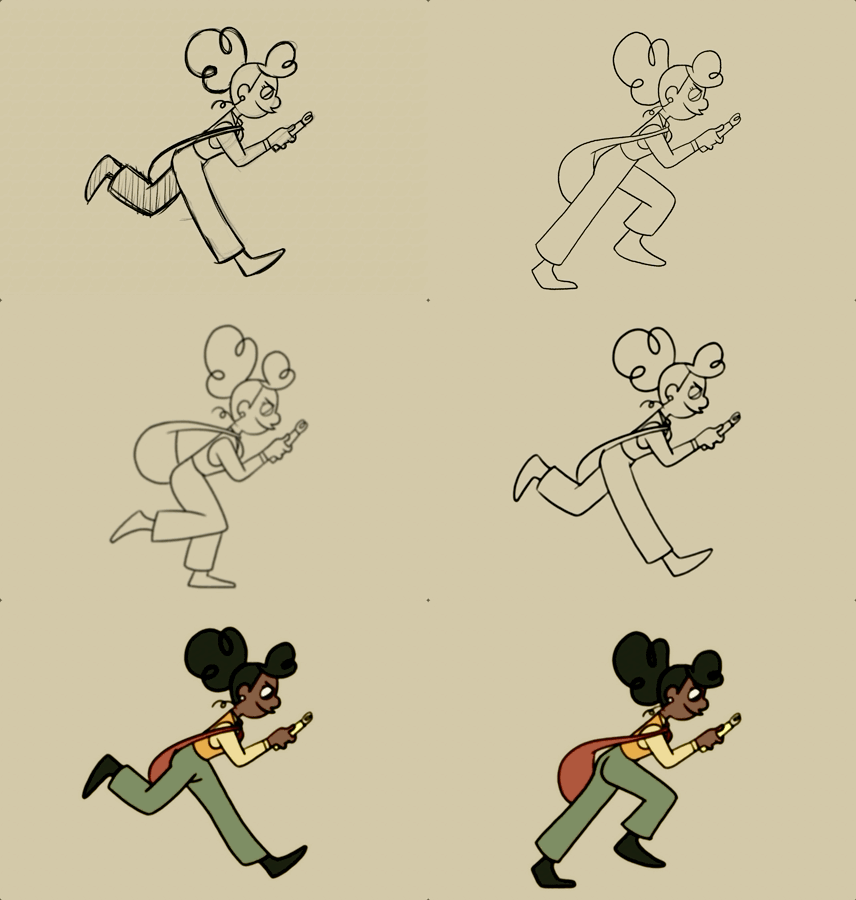
1. rough
2. clean line
3. blur line
4. threshold
5. outer glow on line
In order to color the frames with a paint bucket tool, you need clean lines. So, we decided not to skip the clean-up stage.
referencing traditional fx

-
Tracing paper effect
-
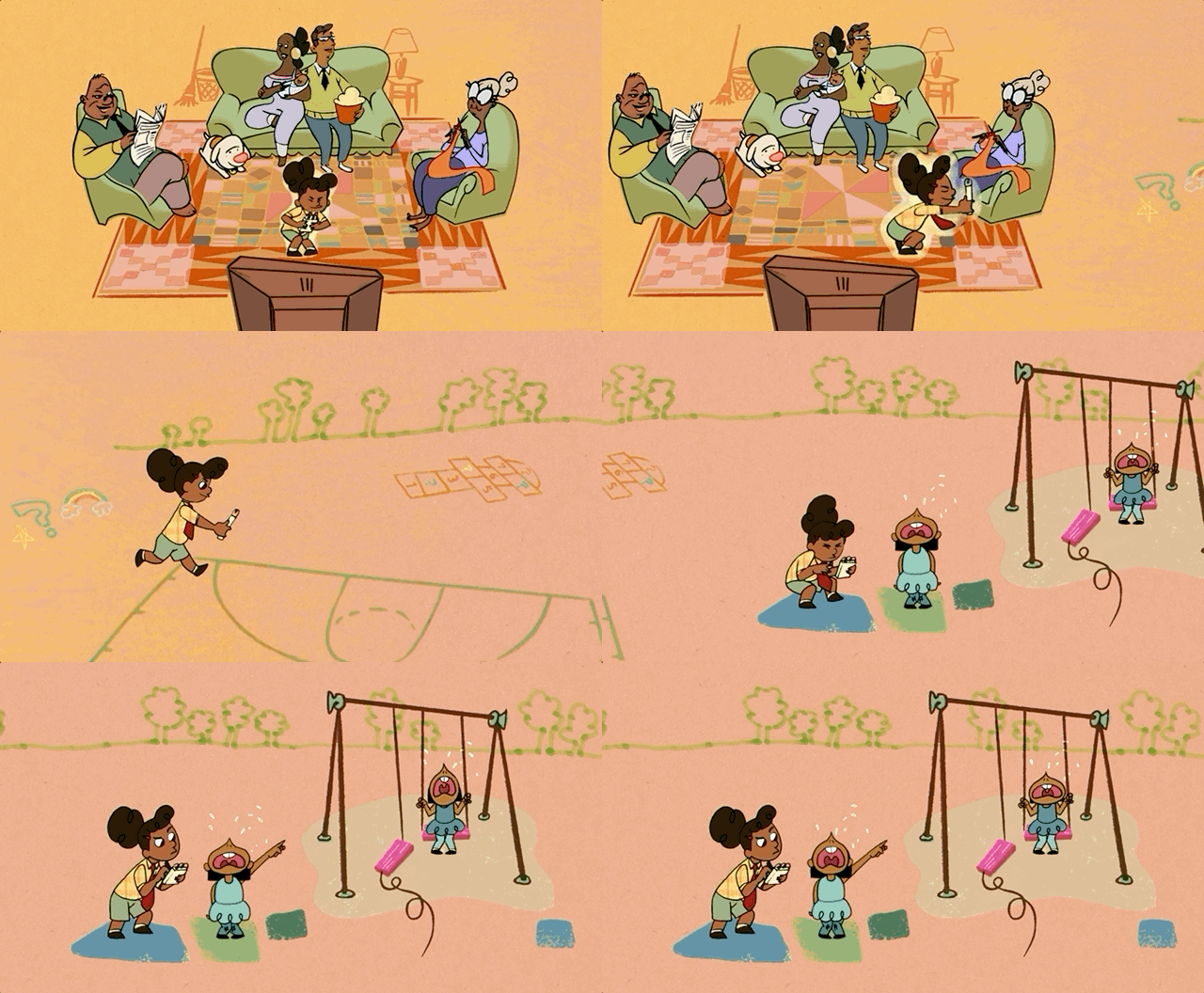
When Leah has the spark of an idea, she jumps up and glows. I wanted to find out how the original UPA artists handled transparency effects, and found Robert Cannon's film, The Miner's Daughter (1950). I think they used a pane of frosted glass or acrylic for this effect. They also use transparent paintings and dry brush paint strokes for smoke and smear frames -- such a nice way to use textures against flat, graphic, background design.
-

generate mask from color pass
add noise and distortion to edge
use as a mask for blur and texture
If you know me, you know I love a

post processing effects
-
Fake CMYK treatment
-
At the very end, I took each RGB pass of the video and blurred the B pass (yellow ink) and recombined the layers. As a result, every frame has a slightly warmer, yellowish look, and there are some colorful artifacts on the edges of shapes.
-
This is an additive process (RGB) mimicking the look of subtractive printing (CMYK) and doesn't really have anything to do with the UPA animation process. There's probably a lot more to the photography stage of cel animation and how they handle the film colors, which I am very curious about.
-
-
Procedural texture in Ps
-
This is a gorgeous technique from Texturelabs that uses layer styles to apply grunge texture to the inside of a shape.
-
-
Can every effect be transferred from Ps to Ae?
-
No! I have a suspicion that both applications use slightly different algorithms for blend modes. Is there an Adobe expert out there who can explain this to me???
-
Ps uses sRGB while Ae uses Rec 709 and linear space since it's optimized for motion. I learned this the hard way while exporting a rainbow-themed project for MAKE -- the values came out looking janky, especially the jumps from red > orange > yellow. My technical director then explained encoding to me but I still selfishly wish we artists didn't have to worry about that.
-

looping smoke sim
& particle croissants
3DS Max / Phoenix breakdown for MAKE

I created this project as an intern at the commercial animation studio MAKE.
-
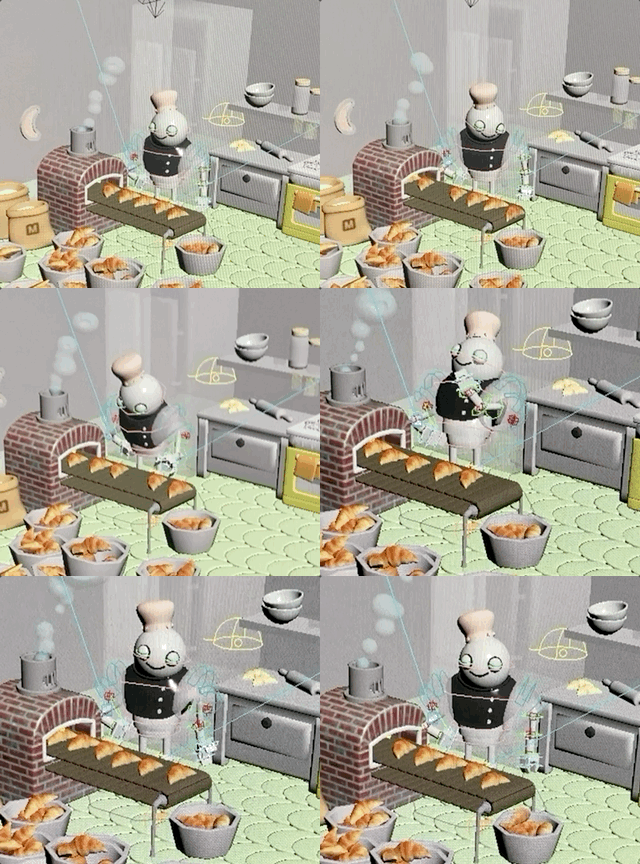
The challenge is to develop a 10 second looping animation within a month to learn the studio 3D pipeline.
-
For this project, I learned how the studio handles texturing on the fly, bypassing Substance and manipulating procedural textures directly in 3DS Max. For example, the seamless crescent floor tiles are placed procedurally.
-
I learned tyFlow (developed by one of the OG employees at MAKE!) for particle simulation, Phoenix for smoke simulation, and Nuke for compositing.
looping randomized croissants
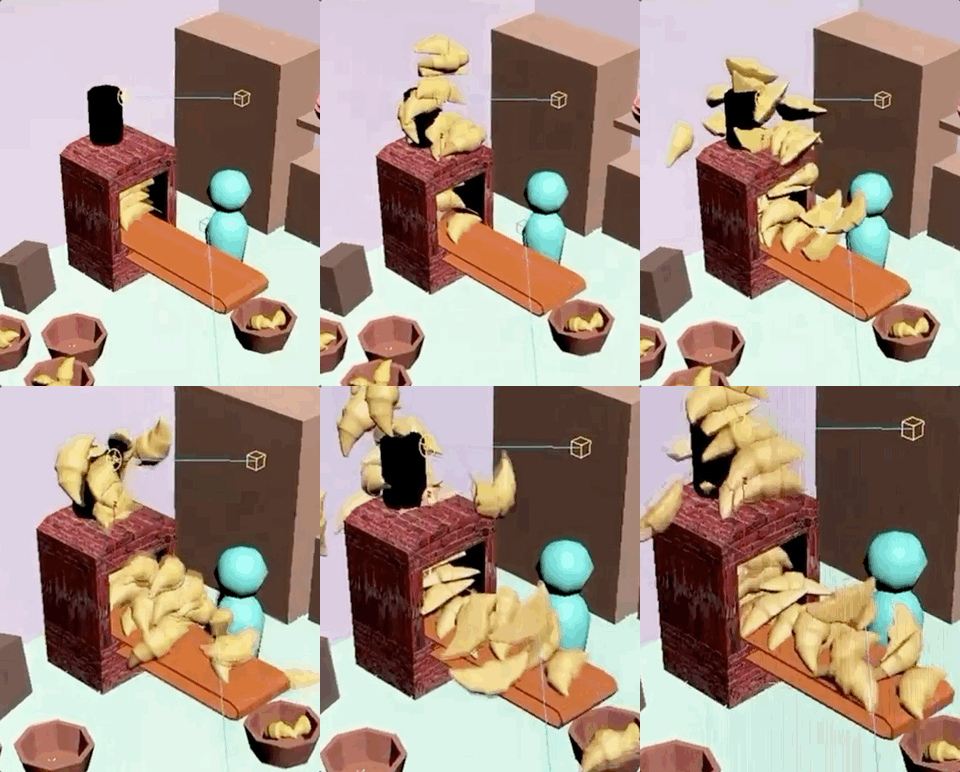
The particles are birthed from inside the oven. They collide with the conveyor belt (also made procedurally to get the infinite rotation) and have a realistic sense of weight and bounce. However, I forgot to reset the transformations on the original croissant mesh so all of the instances are huge.
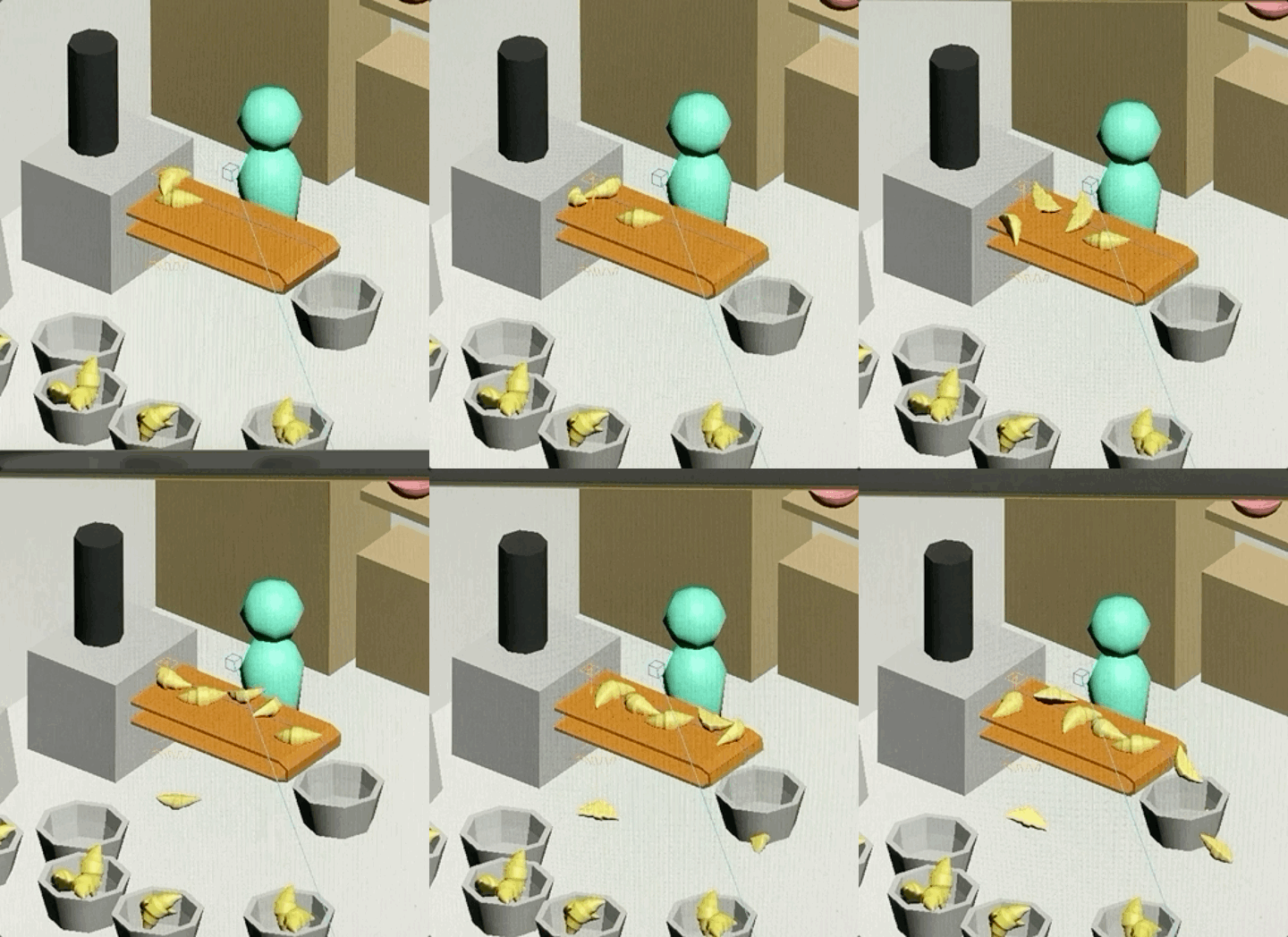
The croissants are the correct size but their starting rotation is too random, so they look very silly.
I added a step in the simulation that instructs it to skip croissant #8, so now there is a blank space in the assembly line.
simplified smoke approach

actually... they need to be more realistic
-
It turns out the blobby smoke was not the house style, so I needed to redo it. My director encouraged me to use a realistic smoke sim, but I thought that would clash with the miniature look I had going for the rest of the scene. To make us both happy, I combined both approaches.
-
Keeping the original sphere particles, I used Phoenix to birth realistic smoke from the sphere's vertices.

how do you loop a simulation?
-
This was the big question that had me stumped! It was easier to loop the stylized smoke because the smoke bubbles were a bit spaced apart. Just copy + paste after 10 seconds!
-
A physically based simulation like Phoenix smoke is harder to loop... because the little dust specks can't be guided to create the same random shapes again.
-
The solution my mentor, Joe Kim, came up with was to bake out the smoke simulation and hide the loop in the middle of the animation.
-
Unlike the croissants, which could be converted to vertex data, the smoke is rendered straight to camera and stored as pixel data.
emulating hand-colored photos
Manipulating RGB channels in Photoshop


-
While volunteering at the amazing Remainders shop in Pasadena, I made a small sewing project using scrap fabric. Because my work was inspired by traditional Japanese clothing silhouettes, I wanted to style the photos to fit the theme.
.jpg)
Hand-colored photography from 1870s. Source


-
This post is a work in progress!